A free map for your places
Your places, pinned. On your phone and your computer.
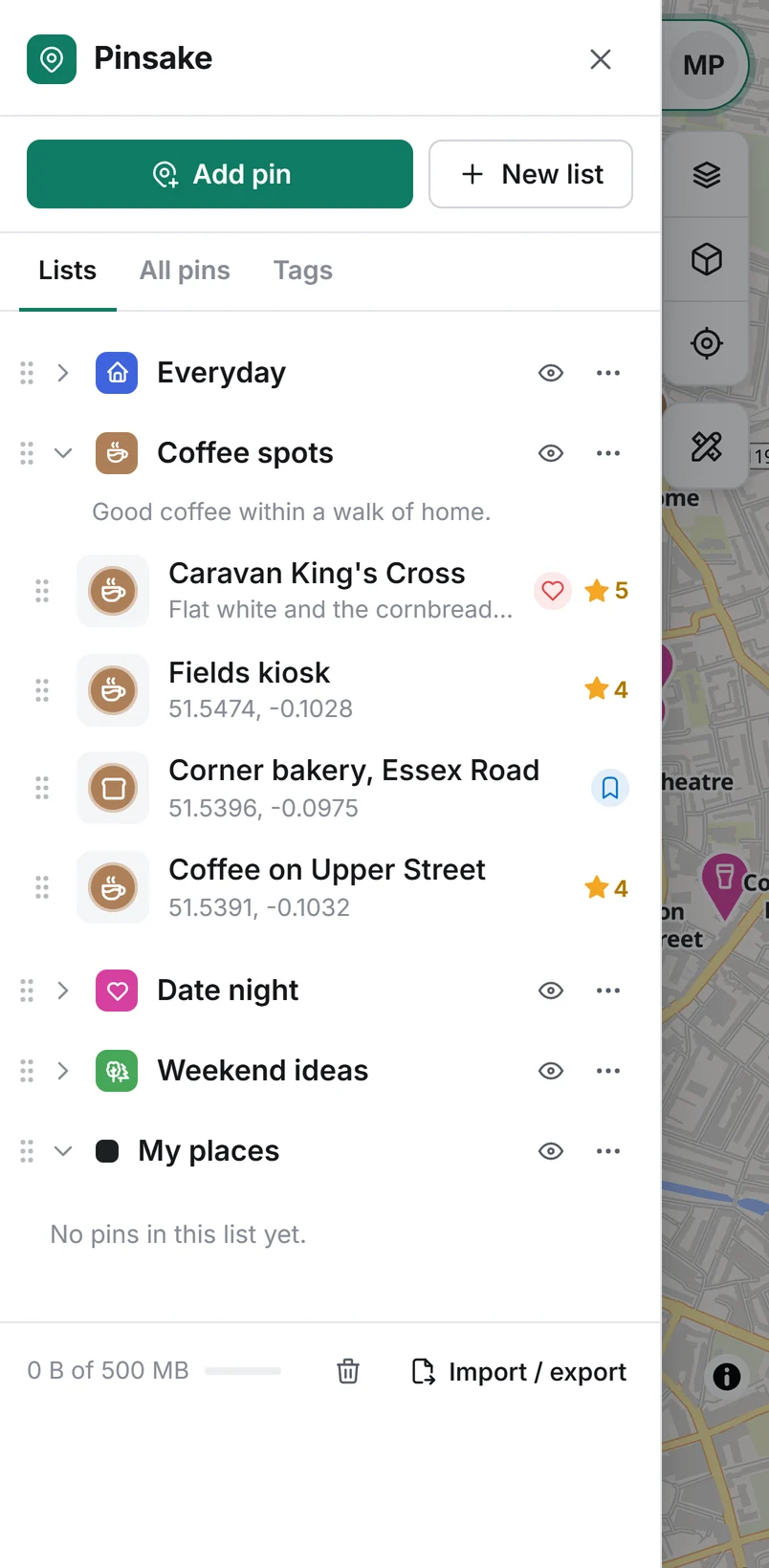
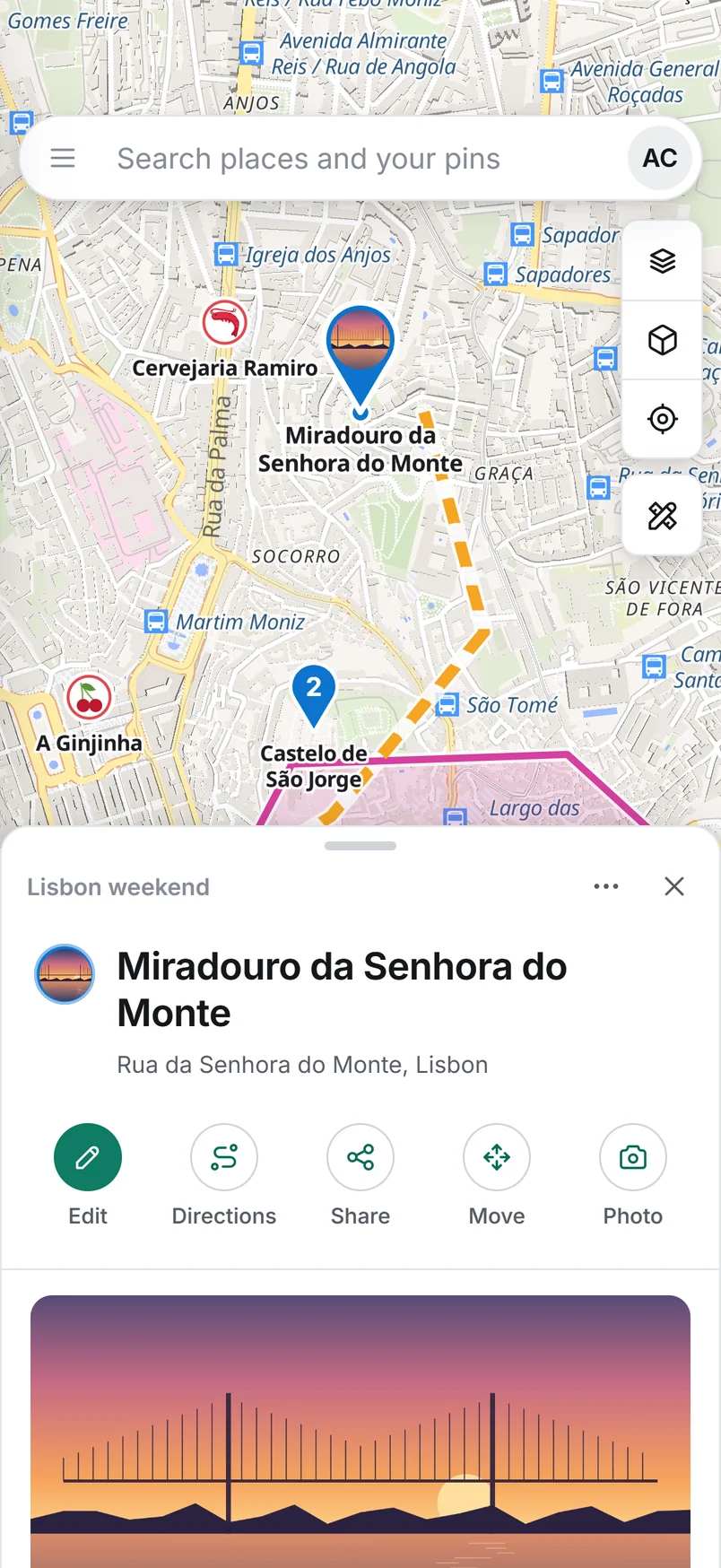
Drop pins anywhere on Earth with names, notes, photos and your own symbols. Plan the route, share the list, and pick up where you left off on any device.
- Free, no card
- Nothing to install
- Works offline
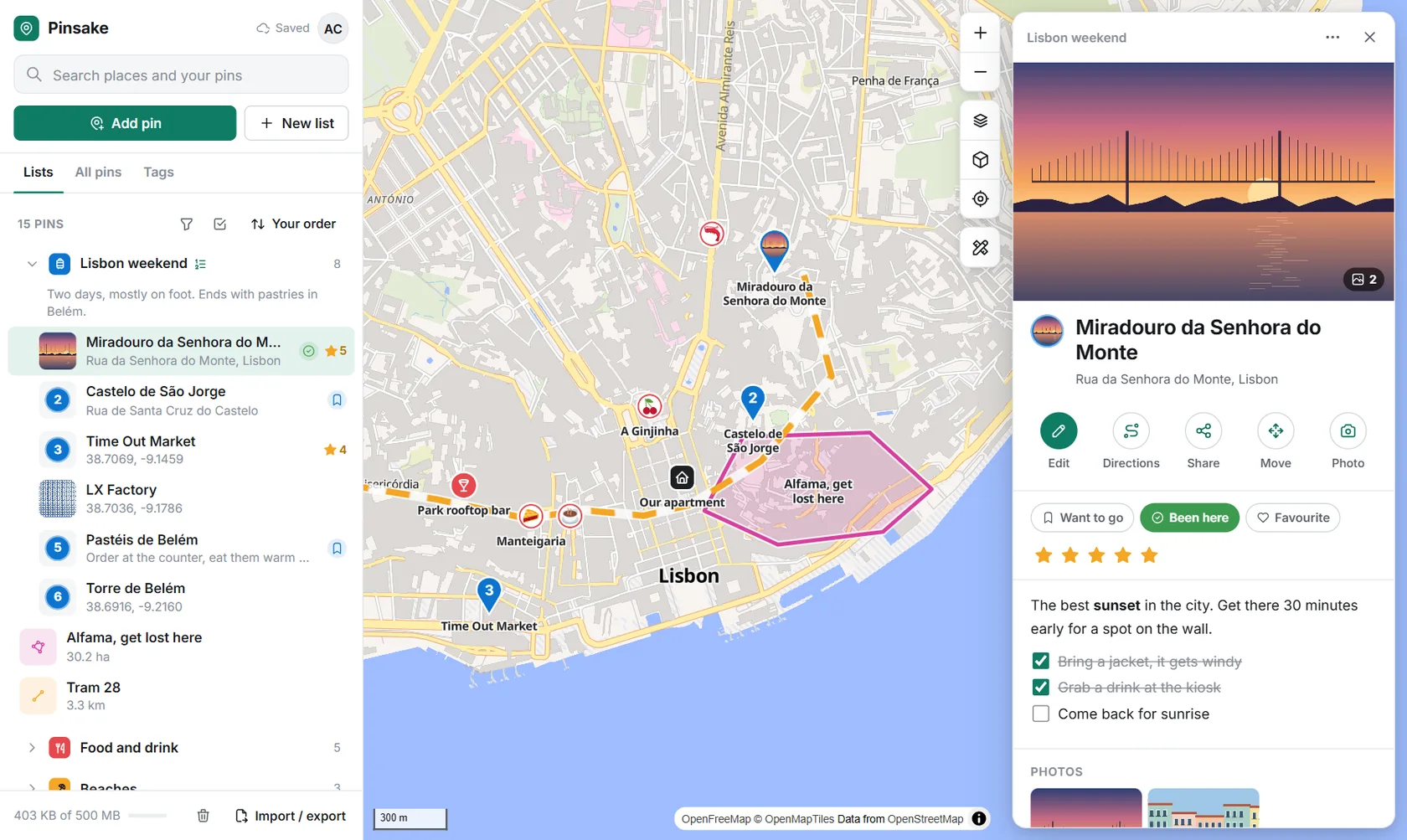
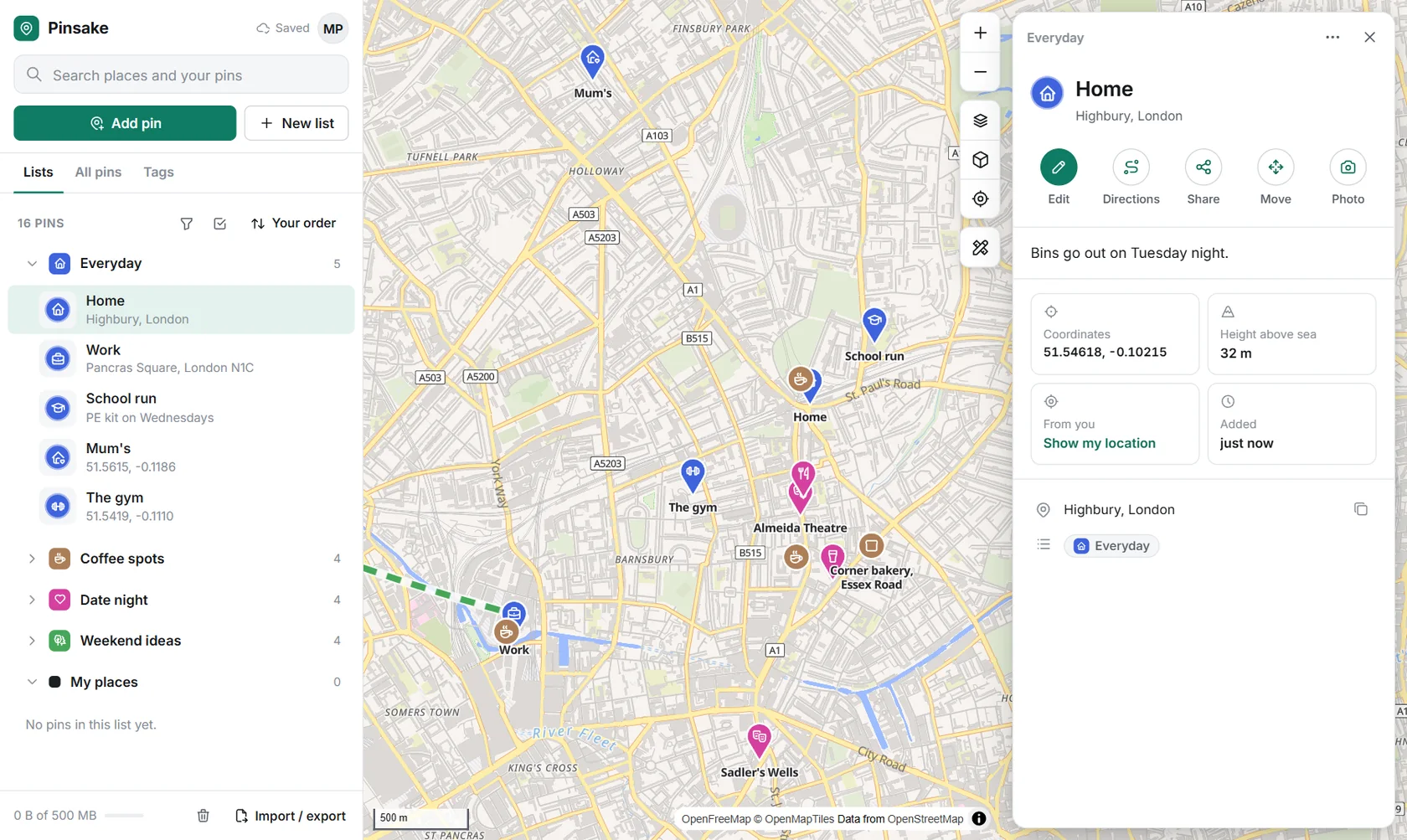
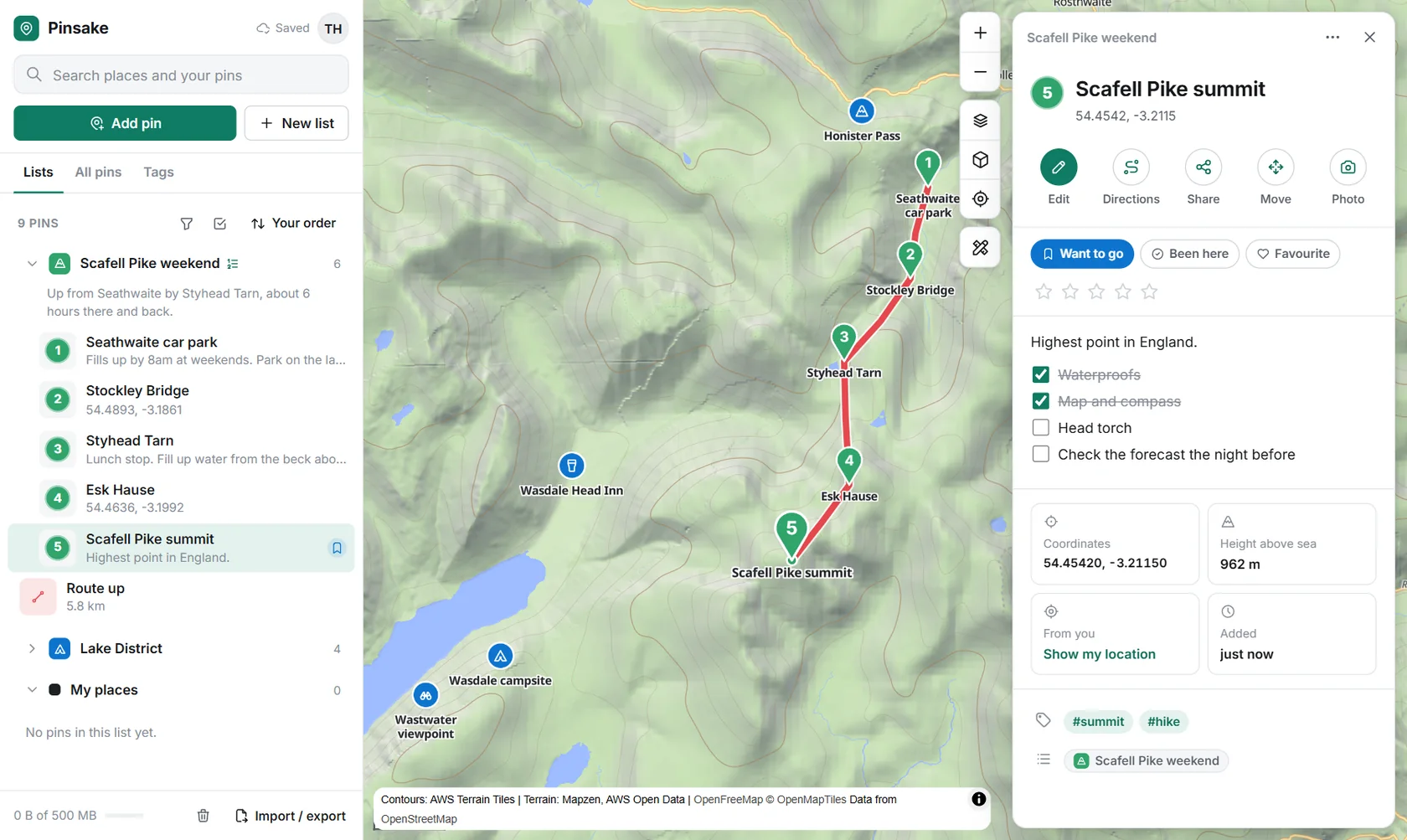
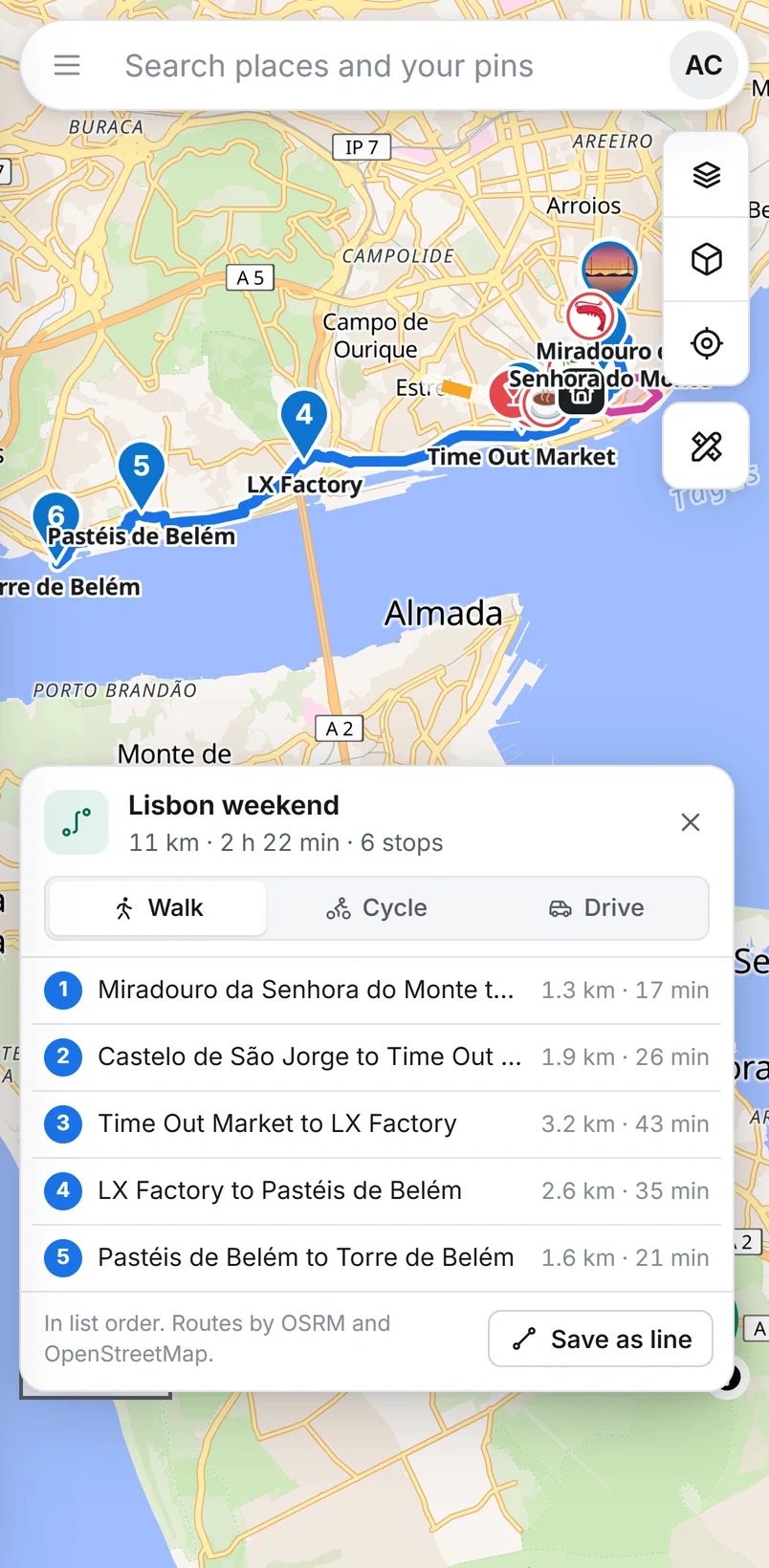
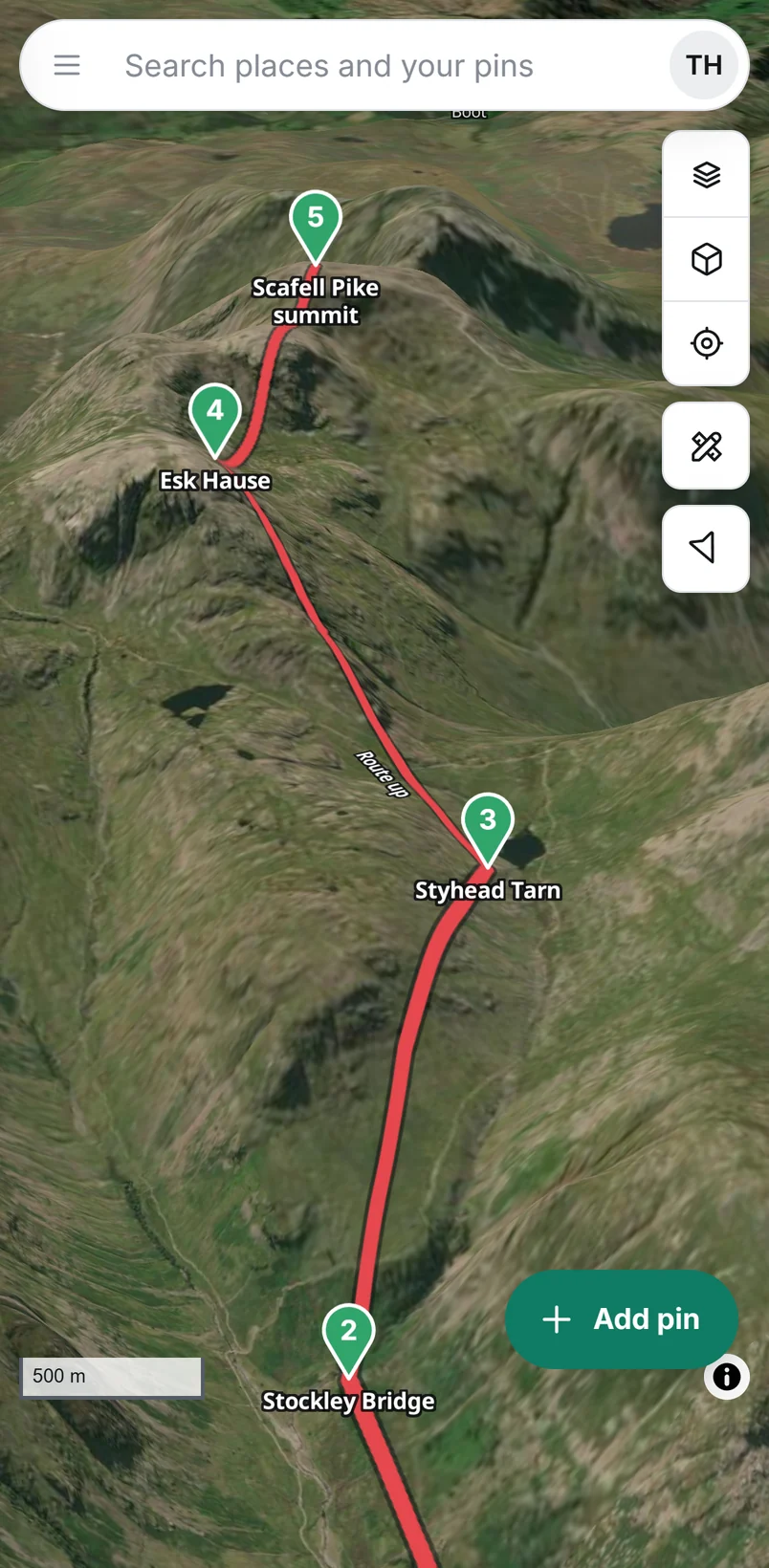
A weekend in Lisbon, with the walk between every stop worked out.
Pins
A pin remembers more than a place.
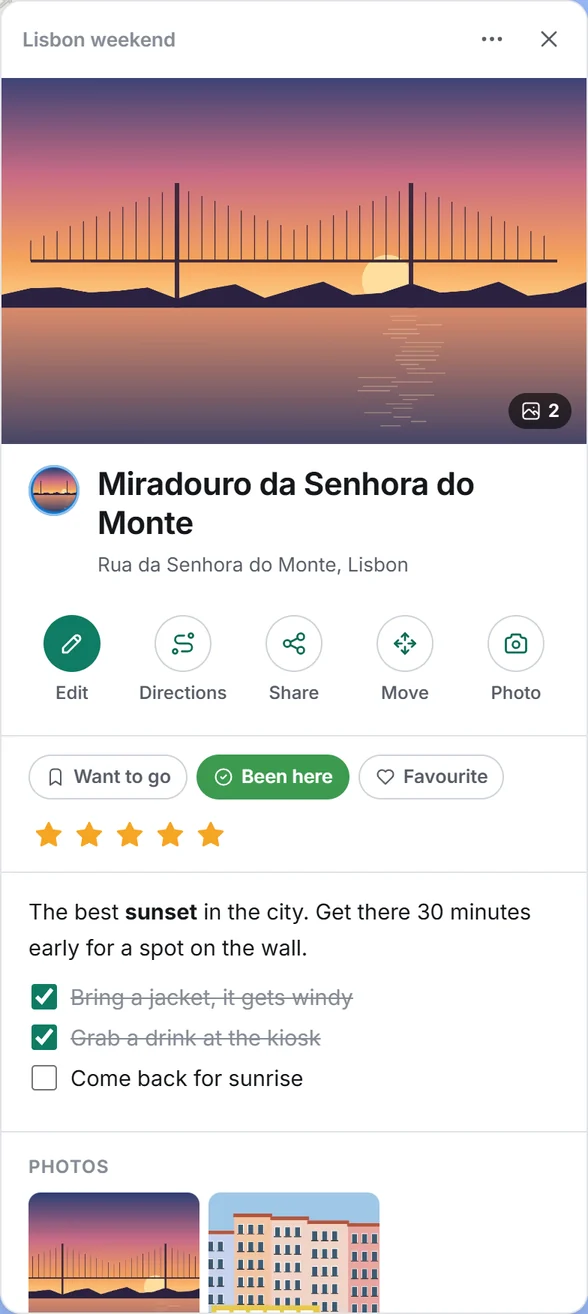
Every pin keeps the details that made you save it, so you can find it again in a year and still know why. Name one "Home" or "Favourite cafe" and it picks a matching symbol by itself.
- Notes and checklists
- Up to 12 photos
- Want to go
- Been here
- Favourite
- Star rating
- Tags
- Date
- Link
- Height above sea level
- Distance from you
- Smart about namesHome, work and where you parked skip the stars. Cafes, beaches and castles get their own symbol.
- Lists with their own symbolDrag pins into order, number them for a trip, filter by status, colour or tag.
- Real details for every spotCoordinates, height above sea level and how far away it is, without looking anything up.
Make it yours
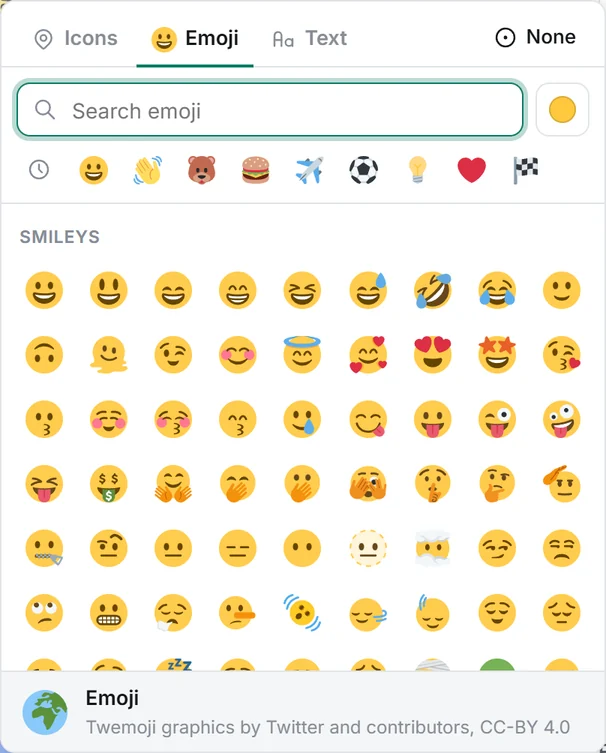
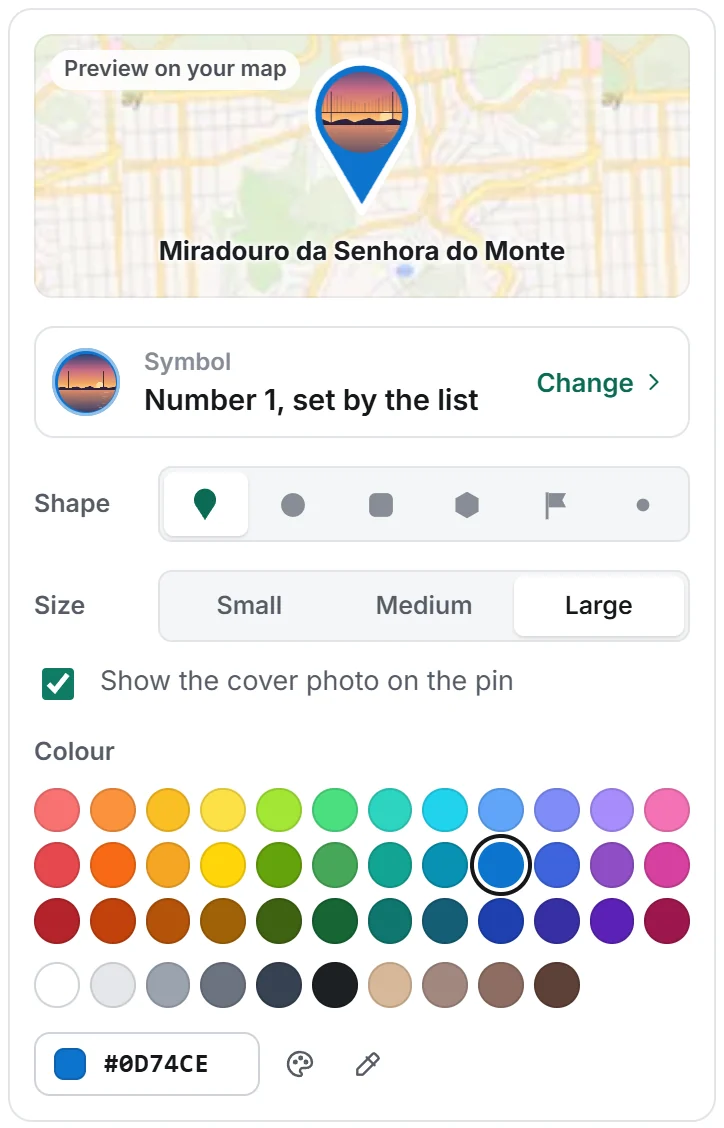
Every pin can look exactly how you want.
485 map icons you can search by meaning, every emoji including every country flag, or your own letters and numbers. Six shapes, three sizes, 46 colours or any colour code, and pins that show their own photo.
Maps
The right map for every kind of trip.
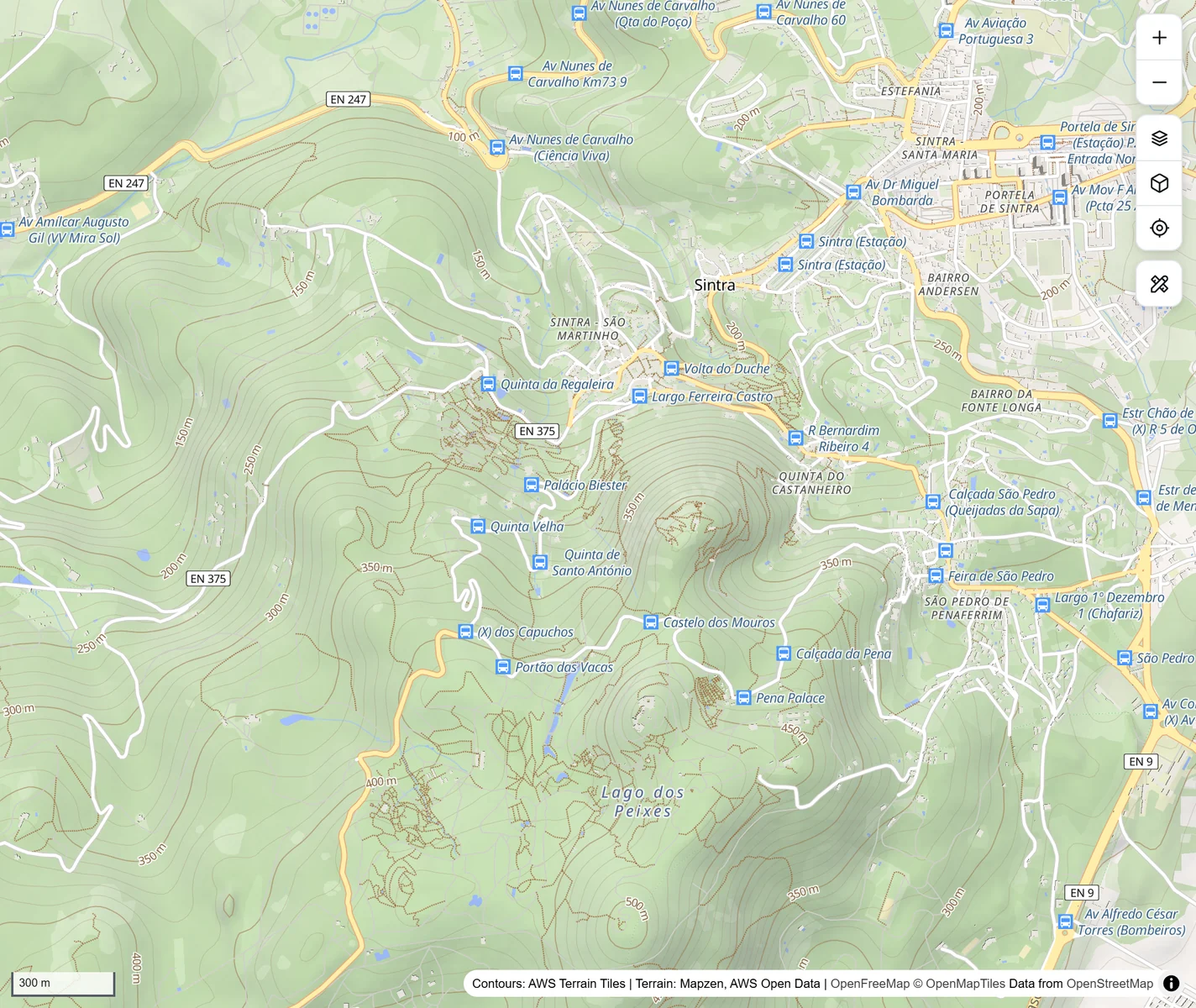
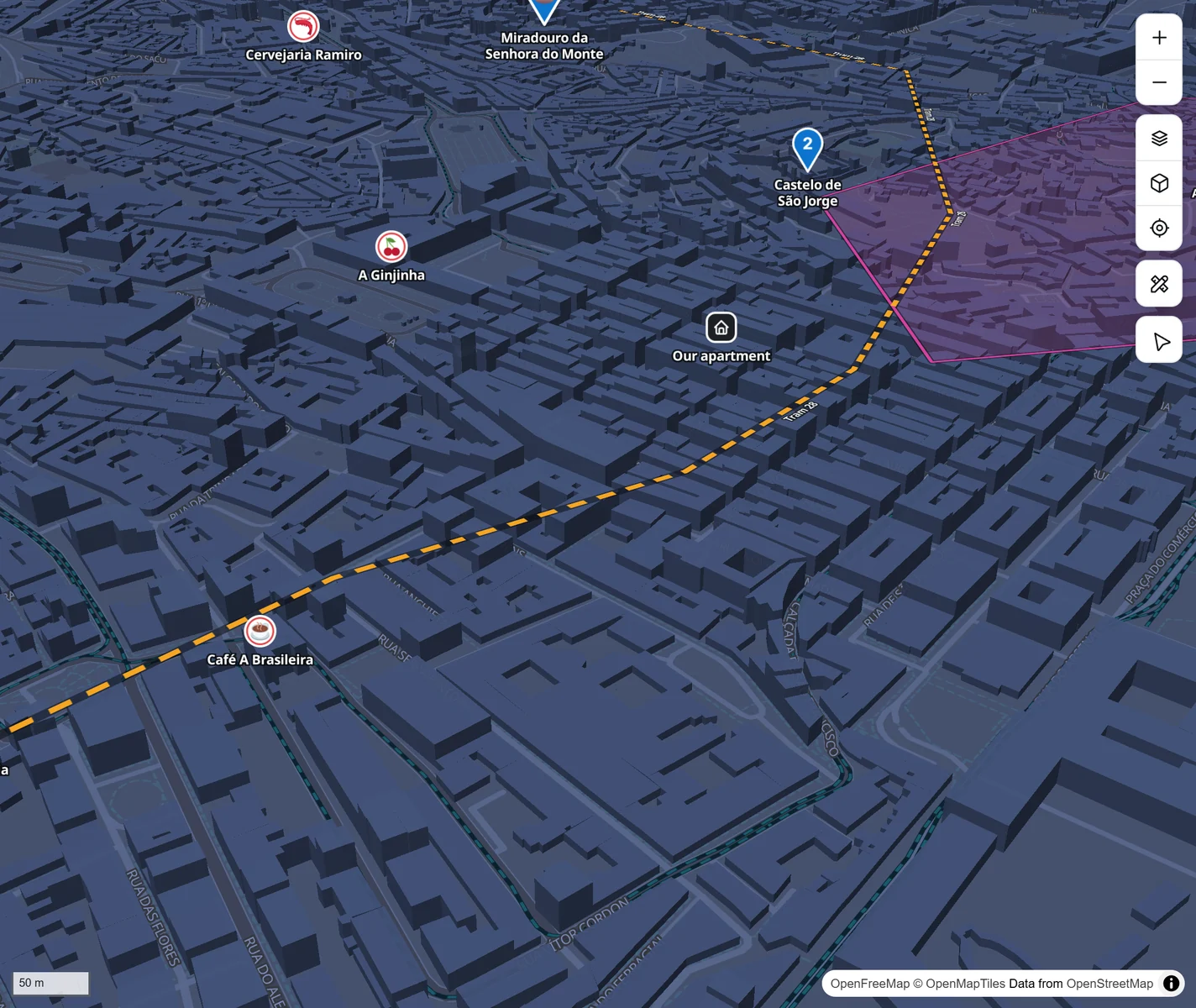
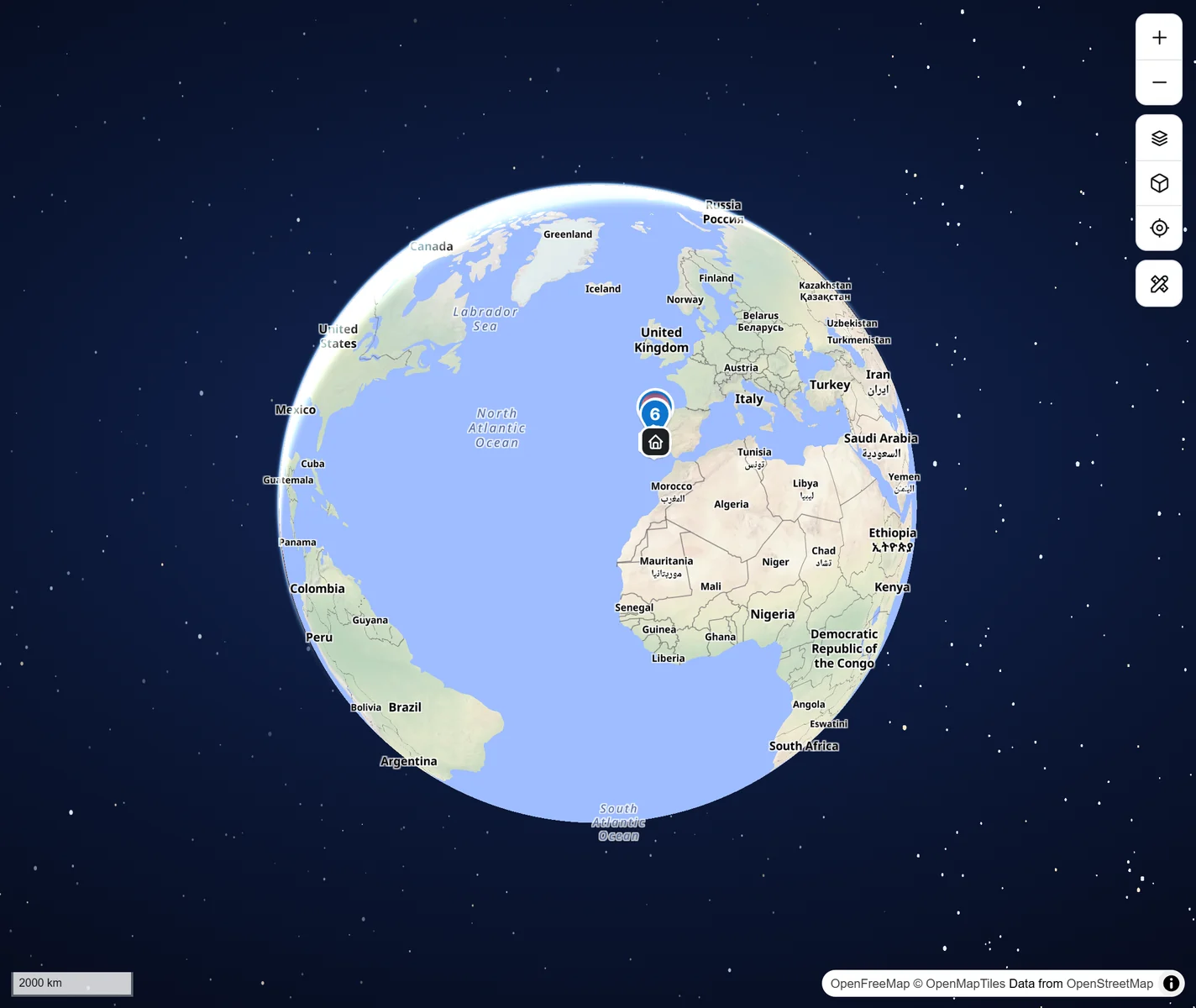
Streets for the city, Outdoors with hill shading and contour lines for walks, Satellite in real 3D terrain, a calm Light map and two dark ones. Zoom out and the Earth turns into a globe.
Look around three example maps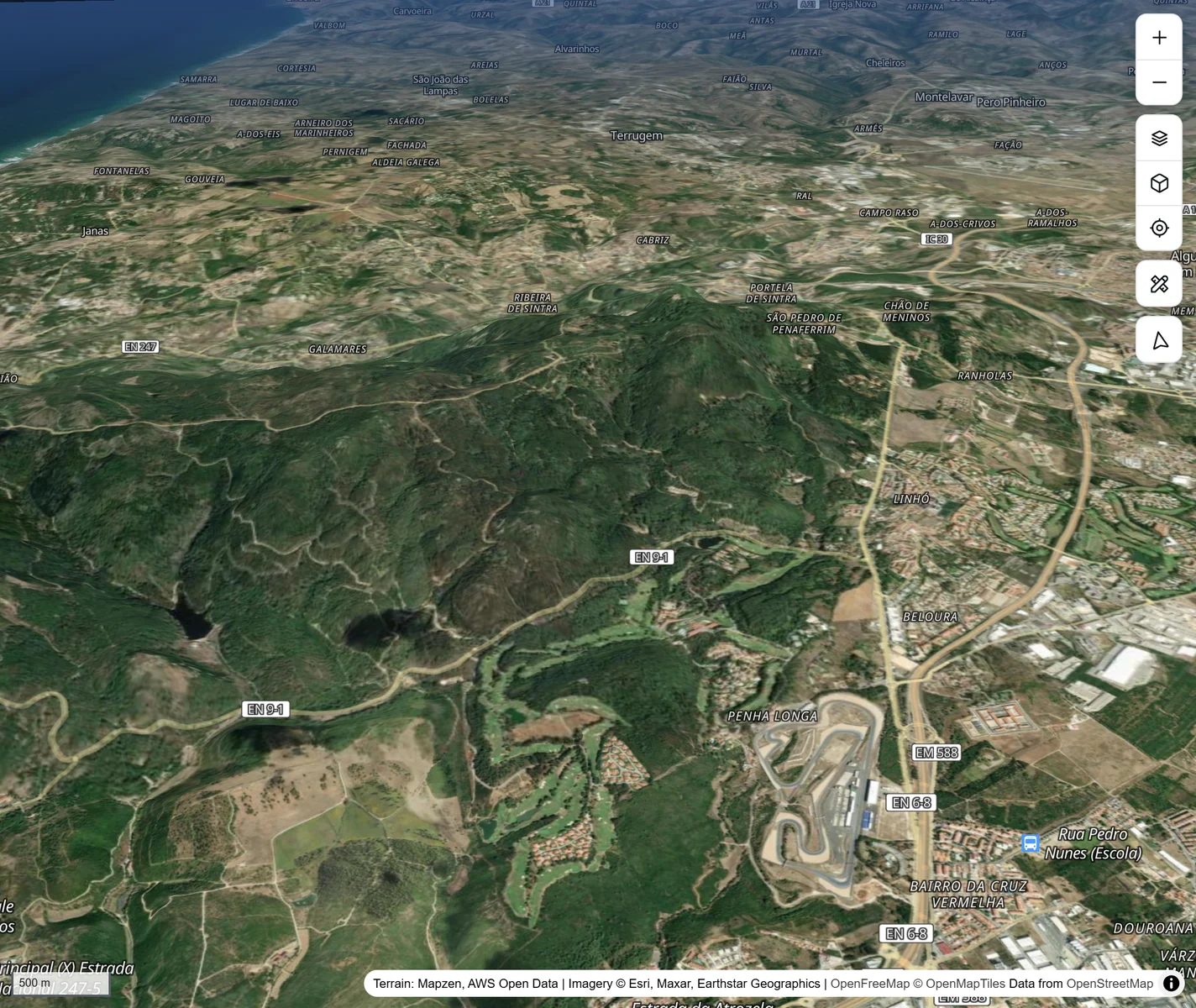
Tools
Plan the day, then go.
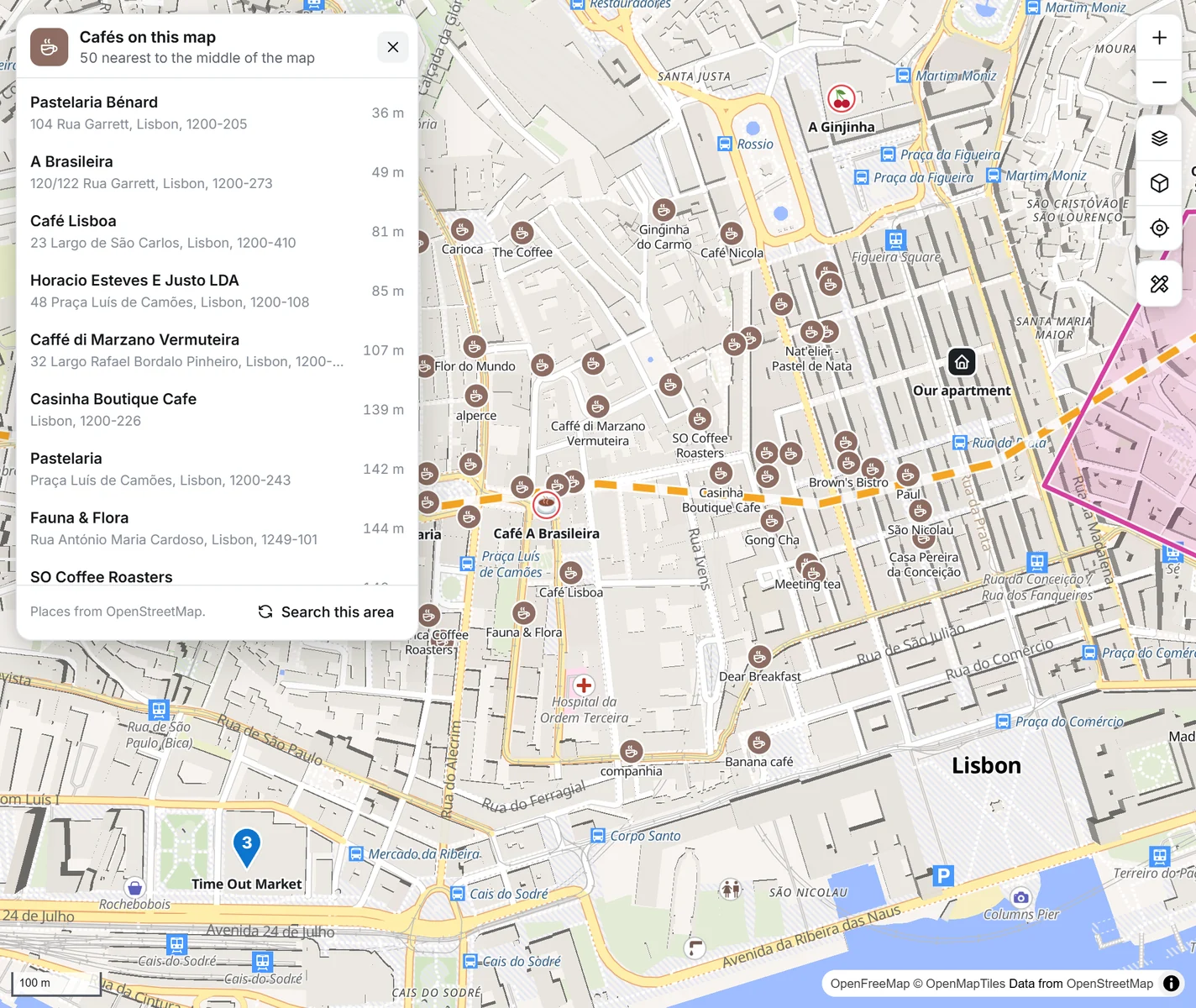
Turn a list into a walking, cycling or driving route with times for every stop. Measure anything, draw lines and areas, and find cafés, pharmacies, viewpoints or a cash machine wherever you are.
How the tools work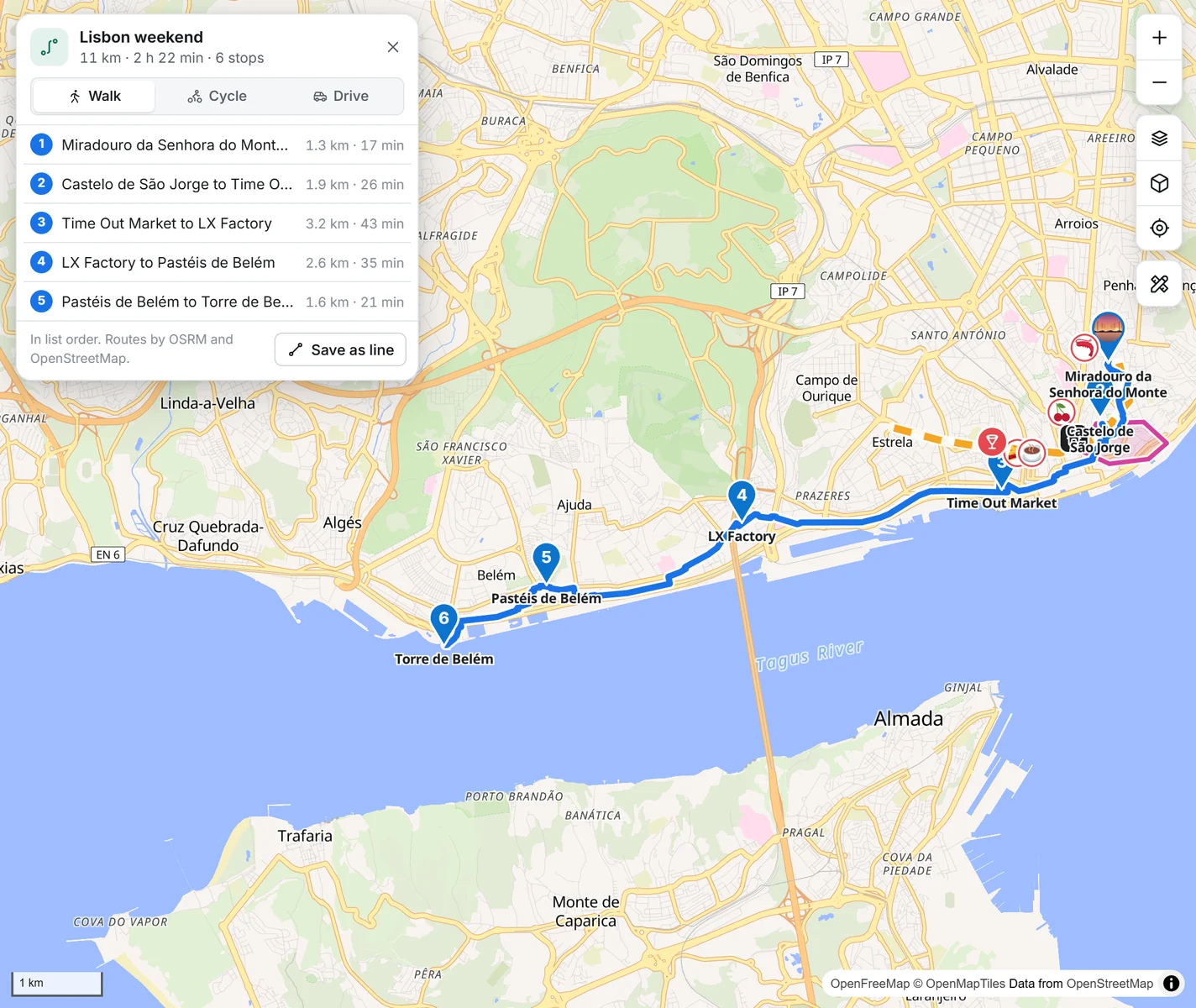
- Measure distance
- Draw lines and areas
- Reshape by dragging
- 16 kinds of places nearby
- Save the map as a picture
- Live location that follows you
Phone and computer
The same map in your pocket.
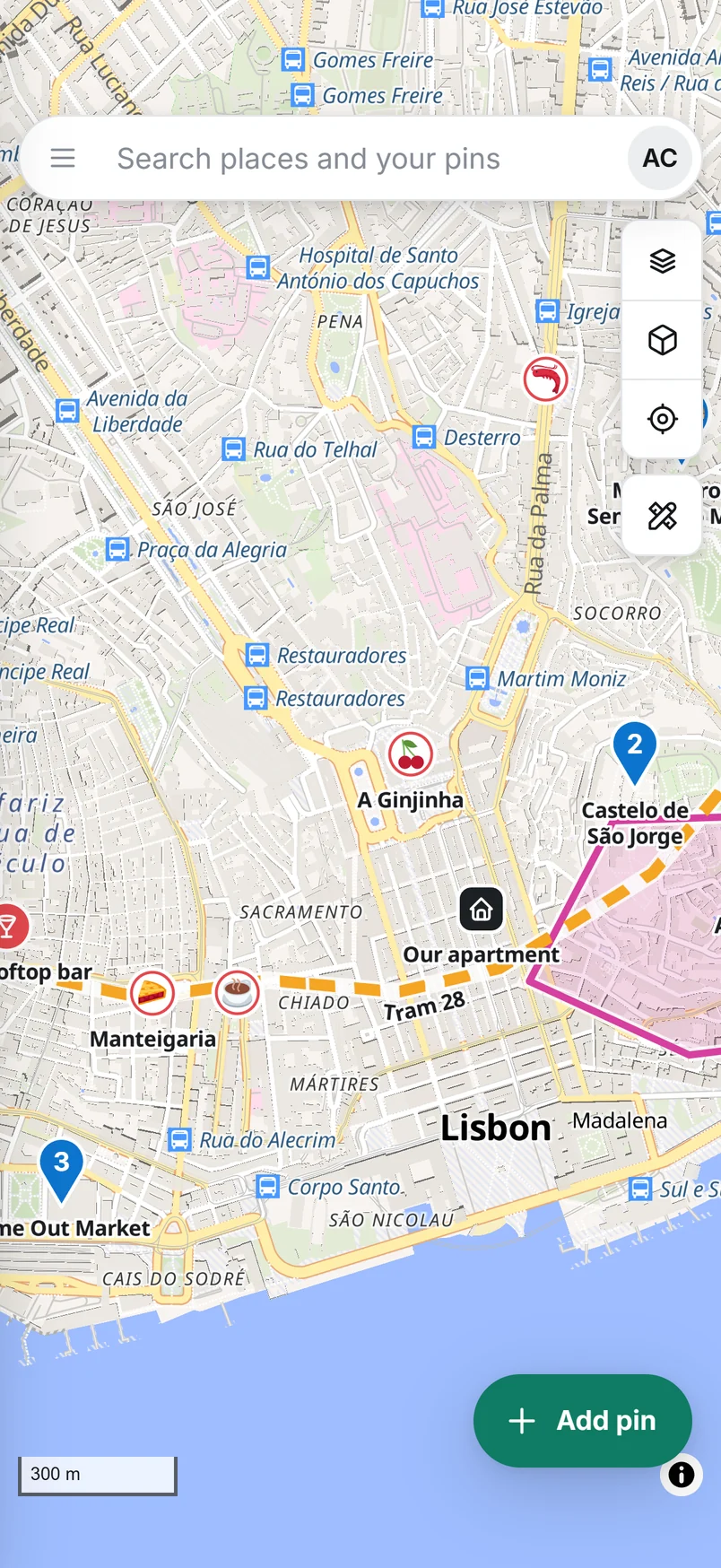
Everything syncs between your devices. Add Pinsake to your home screen and it opens like an app. Lost signal on a mountain? Keep pinning, it saves the moment you are back online.
- Made for thumbsPress and hold to drop a pin, slide the sheet up for details.
- Works offlineChanges wait on your phone and sync later.
- Share a list with a linkFriends see the pins, notes and photos. They cannot change anything.
Your places stay yours.
Import from Google My Maps and Google Earth (KML), GPS apps (GPX), spreadsheets (CSV) or GeoJSON. Folders become lists.
How to importExport every pin, line and area whenever you like as GeoJSON, KML or GPX, and your pins as a CSV spreadsheet. No lock-in.
How to exportOnly you see your map. A list is public only if you switch on its share link, and you can switch it off again.
Read the privacy pageHow it works
Three steps. That is all.
- 1Make an account
An email and a password. Keep the recovery key it gives you somewhere safe.
- 2Drop your pins
Click the map, search a place, or import a list you already have.
- 3Use it everywhere
Open it on your phone, plan the route, share the list with the people coming along.
Questions
Good to know
Is it really free?
Yes. Pinsake runs on free, open map data and services, so there is nothing to pay and no ads. Each account can keep up to 5,000 pins and 500 MB of photos.
Do I need to install anything?
No. It runs in your browser on any phone or computer. If you like, add it to your home screen and it opens full screen like an app.
Does it work without signal?
The app opens and your saved pins show without a connection, and new pins and changes are kept on your device until you are back online. Map tiles you have not looked at before do need a connection.
Who can see my pins?
Only you. If you switch on a share link for a list, anyone with that link can view that one list. Your other lists stay private.
Can I bring my Google My Maps pins?
Yes. In Google My Maps choose Export to KML (tick the box for KML instead of KMZ), then use Import in Pinsake. Folders become lists and colours carry over. The Import page has steps for other apps too.
What if I forget my password?
When you sign up you get a recovery key. Use it with your email under Forgot your password. Pinsake does not send emails, so keep the key somewhere safe, like a password manager.
More answers, with the exact buttons to press, are in the guide.